 PS Evolution
How to open Multi Contas Expert in PS Evolution and link your accounts
Multi Contas Expert PS is a separate panel for running many Tribal Wars accounts. Inside PS Evolution it opens in its own tab, without closing PS, and it has its own plans and slots.
Linking here means connecting your Multi Contas account to your PS Evolution account. Once linked, the tab logs in to Multi without asking for a password, and your paid PS license turns into courtesy slots in Multi.
Step by step
-
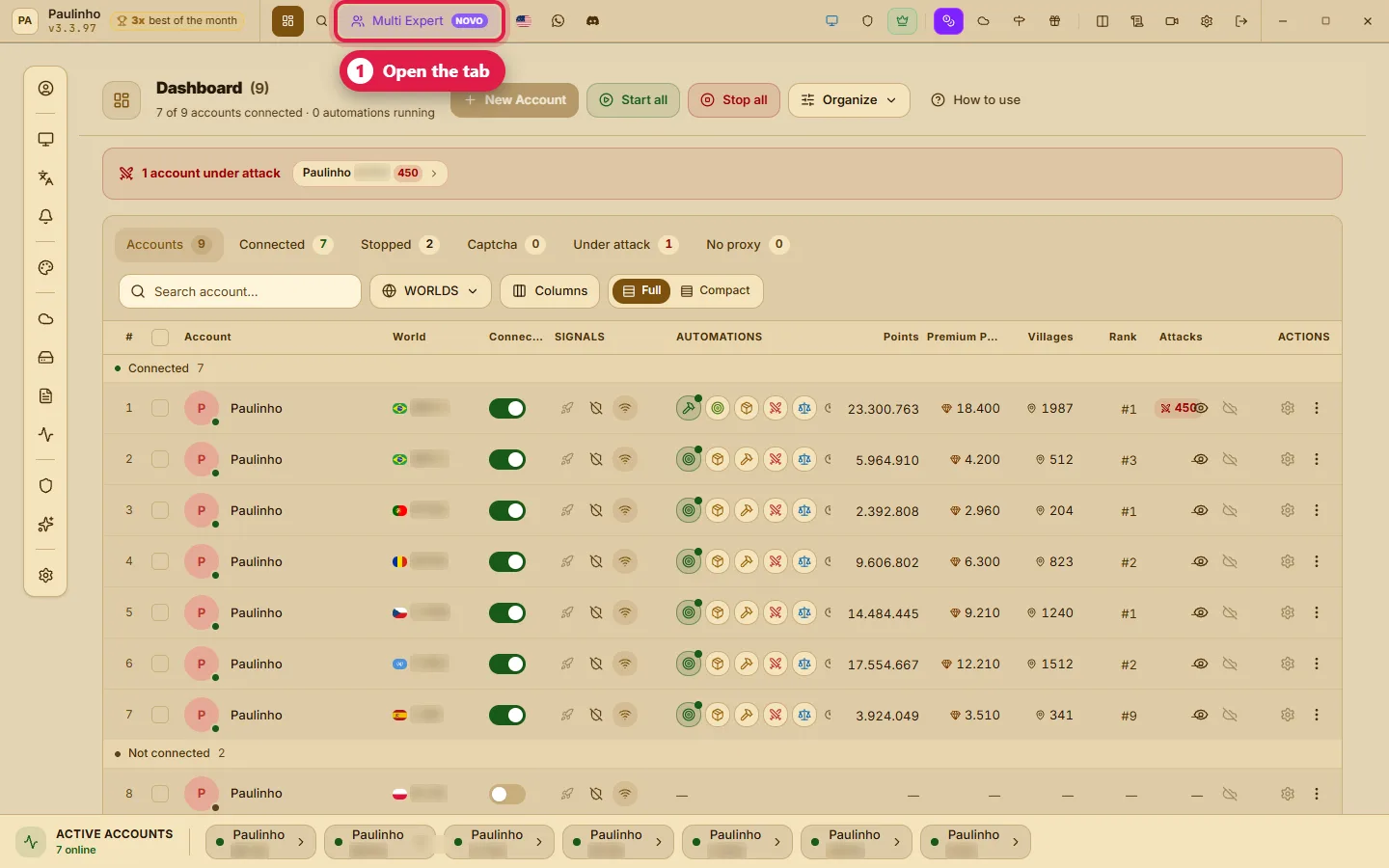
Open the tab
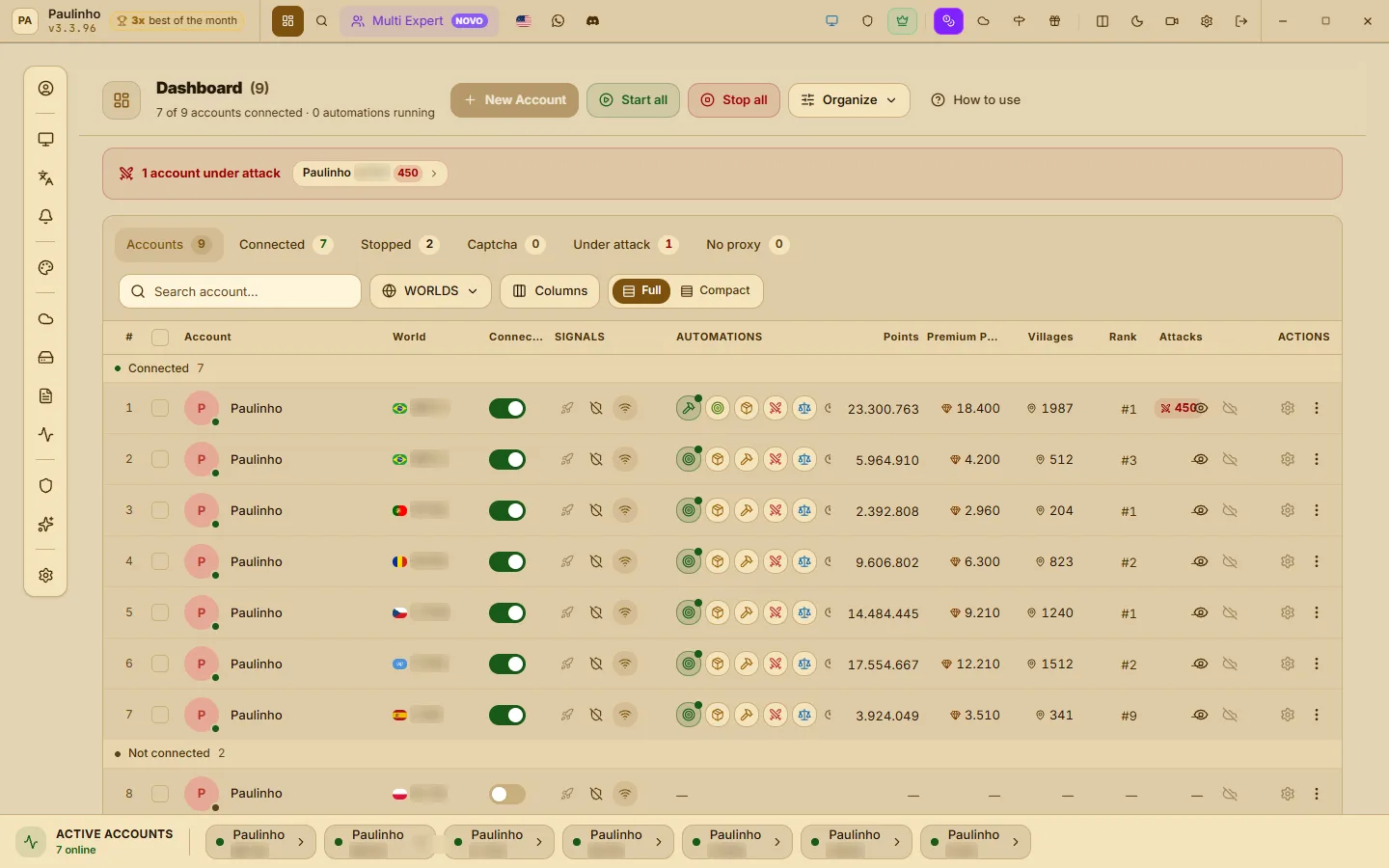
In the top bar, click "Multi Expert" (the first time it has a "New" badge). The Multi screen loads over PS; meanwhile you see the steps "Opening Multi Contas", "Loading the screen" and "Building the interface".
Open the tab -
Log in with your PS Evolution account
On the Multi login screen, click the button to log in with your PS Evolution account (no password needed). If you do not have a Multi account yet, use the button to create one with your PS Evolution account: it signs you up with the details already in PS, with nothing to fill in.
-
If it asks for the Multi password
When a Multi account with the same email already exists, the app may ask once for that account's Multi Contas Expert password to link them. The account stays the same, with everything it already had.
-
Link a Multi account with a different email
If your Multi account uses a different email from PS, log in to it as usual and go to Multi Settings > "Access and security". On the "PS Evolution" line, click the button to link it. The line then shows that it is linked, along with your PS email.
-
Go back to PS Evolution
With Multi open, the top bar shows "PS Evolution / Multi Contas Expert". Click "PS Evolution" (with the arrow) to go back. PS notices that arrive in the meantime show up as a notice count from PS.
What each option does
| Option | What it is for |
|---|---|
| Log in with your PS Evolution account | Logs in to Multi without typing a password: into the account already linked, the account with the same email, or a new account. |
| Link | Connects the open Multi account to your PS account. Nothing changes in the Multi account: accounts, proxies and plan stay the same. |
| Unlink | The PS tab stops logging in to Multi on its own and the courtesy slots from your PS license stop counting. You can link again later. |
| Courtesy slots | Slots in Multi that come from your paid PS Evolution license. The PS free trial does not give courtesy slots. |
Tips
- If more than one Multi account is linked to the same PS account, the courtesy slots go to the oldest link.
- Multi Contas Expert also exists as a standalone app, with its own installer. Inside PS it is the same product, in a tab.
Common problems
"The Multi Contas screen did not load"
Check your internet connection and reload the tab with Ctrl+R.
I get "Available only in the app."
The Multi Expert tab only works in the app installed on your computer, not in the web panel.
I linked my accounts, but no courtesy slots showed up
Courtesy slots only come from a paid PS Evolution license; the free trial does not count. Also check whether another Multi account is already linked to the same PS account.
I logged out of Multi and the tab logged me in again
With an active link, the tab logs in automatically. To stop that, use "Unlink" in Settings > "Access and security".
See also
Do not have PS Evolution yet?
The download is free: download it, create your account inside the app and try everything for 24 hours, no card.